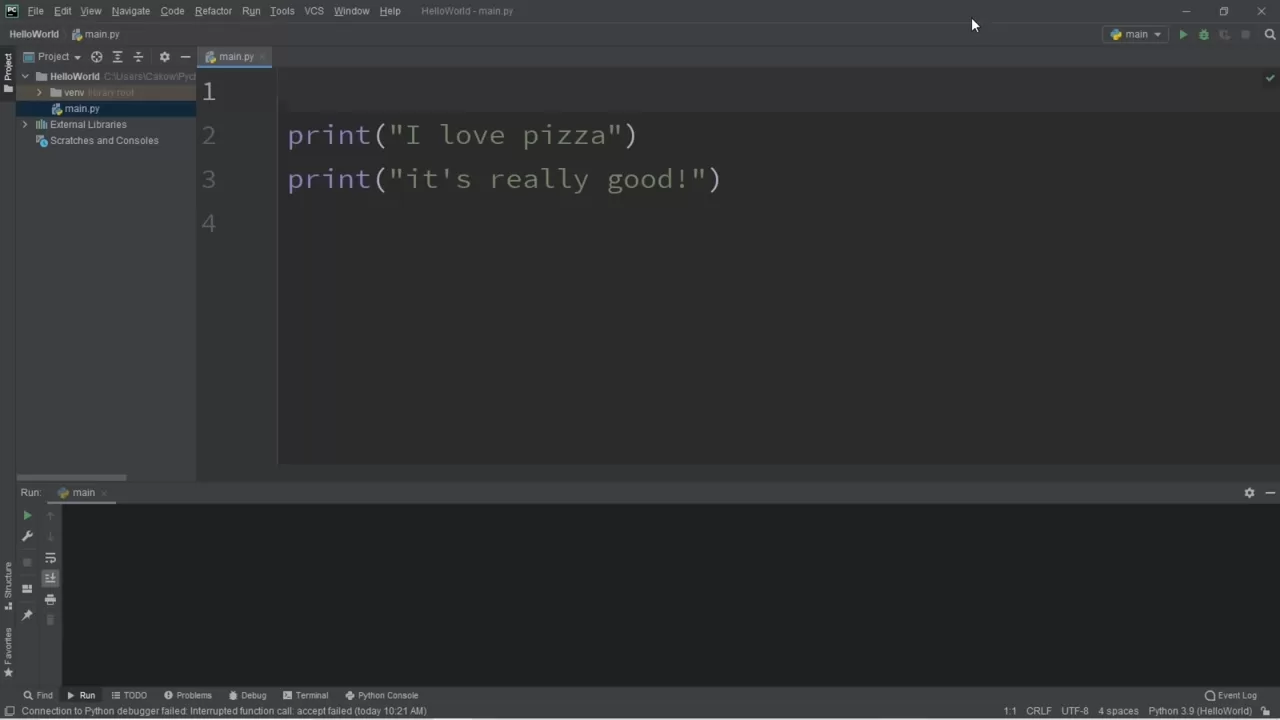
Sarah spent three years as a marketing coordinator copying data between spreadsheets every Monday. Eight hours of mind-numbing work that left her exhausted before the week even started. Last month, she wrote her first Python script. Now that same task takes eleven minutes.
Sarah isn’t a programmer. She studied communications in college and couldn’t tell you what an API was six months ago. Yet she automated a process that her company’s IT department said would require “custom software development.” Her story isn’t unique — it represents a growing movement of non-technical professionals discovering that Python automation isn’t just for developers anymore.
The Myth That Keeps Professionals Stuck in Manual Work
There’s a persistent belief that programming belongs to a special category of people — those with computer science degrees, technical minds, or years of coding experience. This myth costs professionals thousands of hours annually in work that machines could handle.
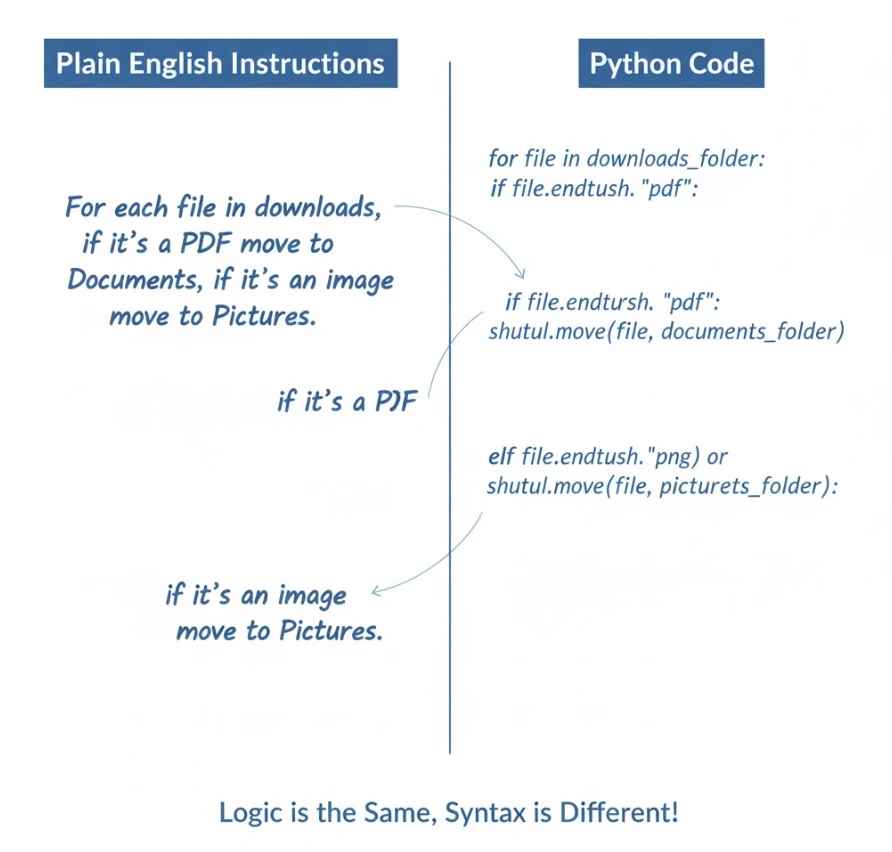
The reality looks different. Python was specifically designed to be readable by humans. Its creator, Guido van Rossum, prioritized clarity over complexity. A Python script that organizes files reads almost like instructions you’d write for a colleague:
for each file in downloads folder:
    if file is a PDF:
        move it to Documents
    if file is an image:
        move it to Pictures
That’s not actual code, but it’s remarkably close to how Python actually works. The gap between “I understand what this does” and “I can write this myself” is smaller than most people imagine.
Who Is Actually Learning Python Automation Right Now
Forget the stereotype of the hoodie-wearing programmer. The fastest-growing segment of Python learners consists of working professionals in traditionally non-technical roles:
Marketing professionals who got tired of manually pulling campaign data from multiple platforms and compiling weekly reports. They now run scripts that gather, analyze, and visualize performance metrics automatically.
Financial analysts who spent hours formatting spreadsheets and checking for data inconsistencies. Their Python scripts now clean datasets, flag anomalies, and generate standardized reports without human intervention.
Administrative assistants who managed calendars, sent routine emails, and organized documents manually. They’ve automated scheduling confirmations, file organization, and repetitive correspondence.
HR coordinators who processed applications, scheduled interviews, and tracked candidate progress through multiple systems. Python scripts now handle data entry, send automated updates, and maintain synchronized records.
Sales representatives who researched prospects manually, updated CRM records one by one, and sent follow-up emails individually. Automation handles lead enrichment, data updates, and personalized outreach sequences.
What unites these professionals isn’t technical aptitude — it’s frustration with repetitive tasks and willingness to invest a few weeks in learning something new.
The Three Barriers That Stop People (And Why They Shouldn’t)
Barrier 1: “I’m Not a Math Person”
Python automation rarely involves complex mathematics. Moving files requires no math. Sending emails requires no math. Organizing data requires basic logic, not calculus. The scripts that save the most time for office workers involve instructions, not equations.
If you can follow a recipe — first do this, then do that, if this happens do something else — you have the logical thinking required for automation scripting.
Barrier 2: “I Tried Learning to Code Before and Failed”
Most coding education fails non-programmers because it teaches programming concepts rather than practical automation. Traditional courses start with variables, data types, and algorithms — abstract concepts that feel disconnected from real work.
Effective automation learning starts differently. It begins with a real problem you face, shows you the solution, then explains how each piece works. You see results immediately, which maintains motivation through the learning curve.
Barrier 3: “My Tasks Are Too Specific to Automate”
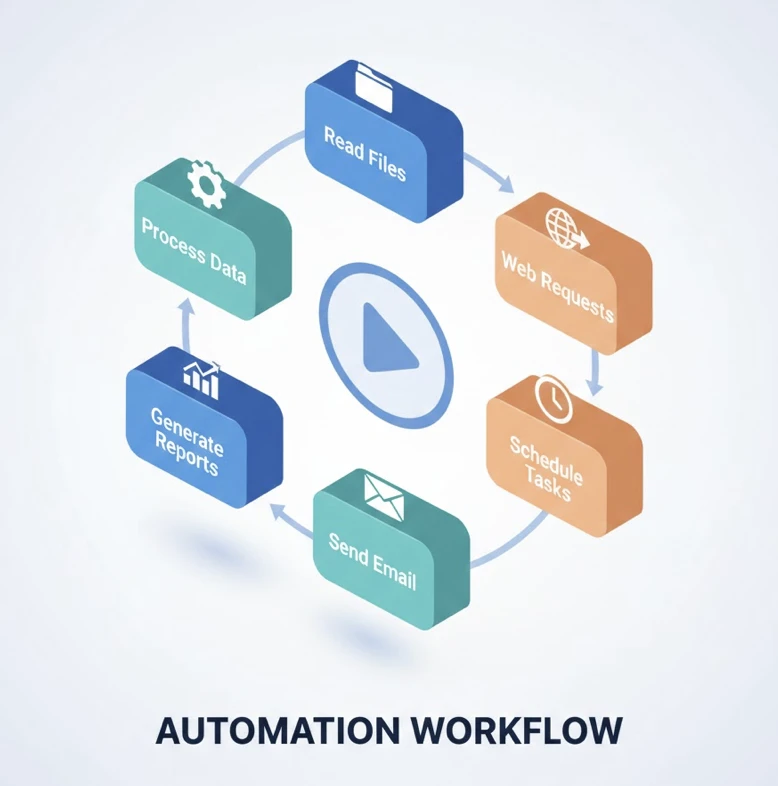
This belief usually reverses upon closer examination. Most “unique” workflows consist of common operations combined in specific ways: reading files, extracting data, applying rules, generating output. Python has tools for each of these components. Your job is assembling them to match your workflow.
What Python Automation Actually Looks Like Day-to-Day
Abstract descriptions of automation don’t convey the practical experience. Here’s what professionals actually do with Python skills:
Monday morning: Instead of spending two hours downloading reports from five different platforms, clicking export, waiting, renaming files, and organizing them — you open your laptop, run a script, and find everything already compiled in a single spreadsheet. You spend those two hours on analysis instead of data gathering.
Throughout the week: When repetitive requests arrive — “Can you send this update to all 50 clients?” — you don’t groan internally. You modify a template, run your email script, and handle in five minutes what used to consume an afternoon.
End of month: Report generation that once required three days of focused work now runs overnight. You review outputs in the morning, make adjustments, and submit before lunch on day one.
The transformation isn’t dramatic in any single moment. It’s cumulative — dozens of small time savings that compound into fundamentally different workdays.
The Realistic Learning Timeline for Non-Programmers
Honest expectations matter. Here’s what genuine beginners typically experience:
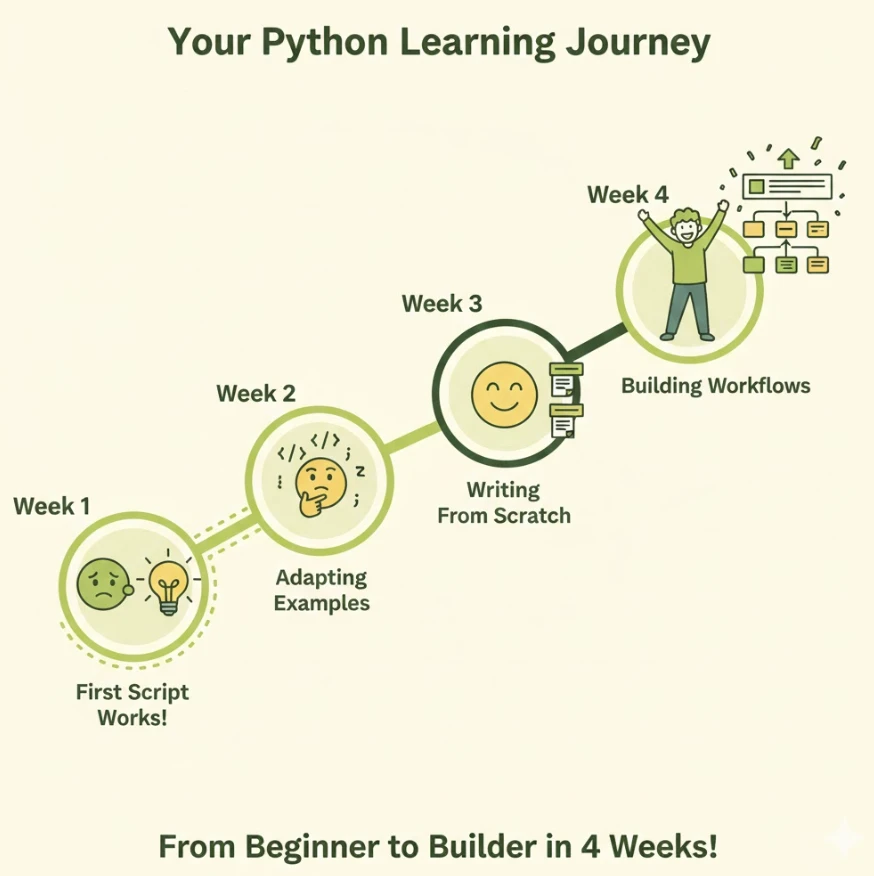
Week 1: Installation, basic syntax, first working script (usually file organization). Feeling: mixture of confusion and excitement when something actually works.
Week 2: Understanding how to read and modify existing scripts. Adapting examples to your specific needs. Feeling: growing confidence, occasional frustration with error messages.
Week 3: Writing simple scripts from scratch for familiar tasks. Using documentation and examples effectively. Feeling: capability emerging, seeing opportunities everywhere.
Week 4: Combining multiple operations into useful workflows. Handling common errors independently. Feeling: genuine competence, wondering why you waited so long.
This timeline assumes 5-10 hours weekly. Faster progress is possible with more time; slower progress happens with less. The key is consistency rather than intensity.
Choosing the Right Learning Path
Not all Python education serves non-programmers well. When evaluating resources, look for these indicators:
Practical focus: Does it start with real automation tasks or abstract programming concepts? The former works better for professionals seeking immediate utility.
Assumption level: Does it explain every term or assume prior knowledge? Resources that define “variable,” “function,” and “loop” in plain language respect beginners’ starting points.
Error guidance: Does it address common mistakes and how to fix them? Error messages intimidate beginners — good resources normalize and demystify them.
Project-based structure: Does it build toward complete, useful scripts? Isolated exercises without practical application lose relevance quickly.
The Python automation guide at LearnForge exemplifies this approach — designed specifically for working professionals without programming backgrounds, explaining every concept without assuming prior technical knowledge.
Your First Automation Project: A Practical Starting Point
The best first project automates something you do weekly. File organization works well because it’s visual — you see folders filling with correctly sorted files — and low-risk — organizing downloads doesn’t affect critical work systems.
Here’s the basic logic in readable form:
- Look at each file in Downloads folder
- Check what type of file it is (PDF, image, spreadsheet, etc.)
- Move it to the appropriate destination folder
- Repeat until no files remain
In Python, this translates to roughly 15 lines of code. Those 15 lines, once written, run in seconds and handle tasks that would take 10-15 minutes manually. Multiply by five days weekly, fifty weeks yearly — that’s 40+ hours annually from one simple script.
Beyond the Basics: Where Automation Skills Lead
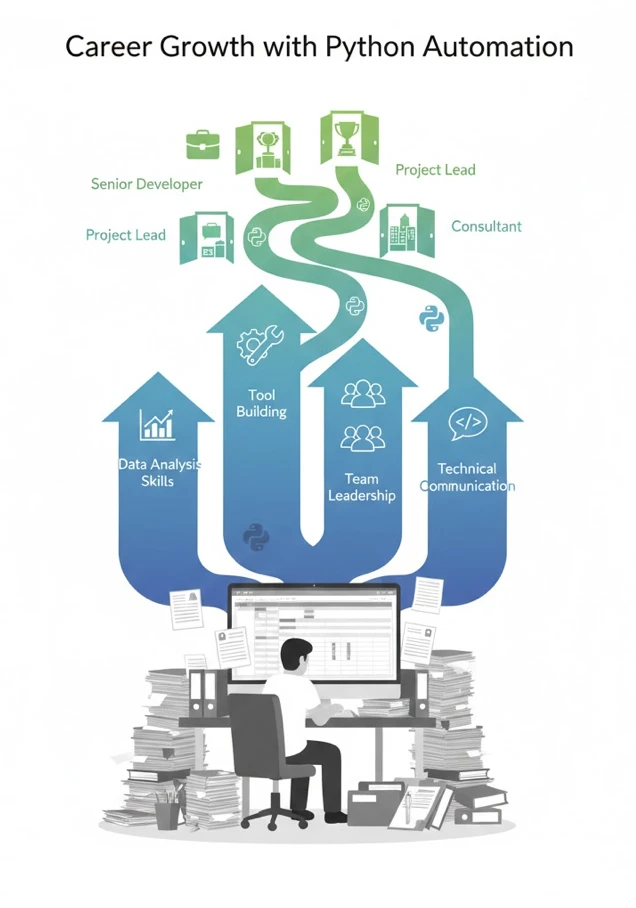
Initial automation skills create unexpected opportunities. Professionals who learn Python often find themselves:
- Taking on higher-value projects that require data analysis
- Becoming go-to resources for efficiency improvements in their teams
- Qualifying for roles that previously seemed inaccessible
- Building tools that colleagues actually want to use
- Understanding technical discussions that once felt foreign
The skill compounds. Each script you write teaches patterns applicable to the next challenge. What starts as file organization becomes data analysis becomes web automation becomes whatever your work requires.
The Cost of Waiting
Every week without automation skills is another week of manual work. The calculation isn’t complicated: if automation saves five hours weekly, a month of delay costs twenty hours. A year costs over two hundred hours — more than five full work weeks spent on tasks a computer could handle.
The professionals who automated earliest have compounded advantages. They’ve built larger script libraries, developed stronger instincts for automation opportunities, and established reputations as efficiency-minded problem solvers.
Starting now won’t recover past time, but it prevents future loss. The best day to learn was years ago. The second best day is today.
Taking Action
If this resonates, the path forward involves three steps:
Step 1: Install Python on your computer. It’s free, takes ten minutes, and commits you to nothing beyond curiosity.
Step 2: Identify one repetitive task you’d like to eliminate. Be specific — “organize my downloads folder” works better than “automate my job.”
Step 3: Find a resource that matches your learning style and starting point. Whether that’s a structured curriculum for beginners, video tutorials, or documentation-based learning, commit to consistent practice.
The gap between “I should learn this” and “I can do this” is smaller than it appears. Thousands of non-programmers have crossed it. The question isn’t capability — it’s decision.